RBaken radar firmware
The radar shows every teammate's direction and distance on your Meshtastic node's own screen: the closest ones in a list, everyone on a minimap that turns with you when the board has a compass. No phone or app needed in the field, and it works with any Meshtastic node on the same channel.
It is free and open source under the GPL-3.0. I am working to make the radar part of the official Meshtastic firmware: the changes are in review as pull requests, and that takes time. Want to try it now? The builds are below.
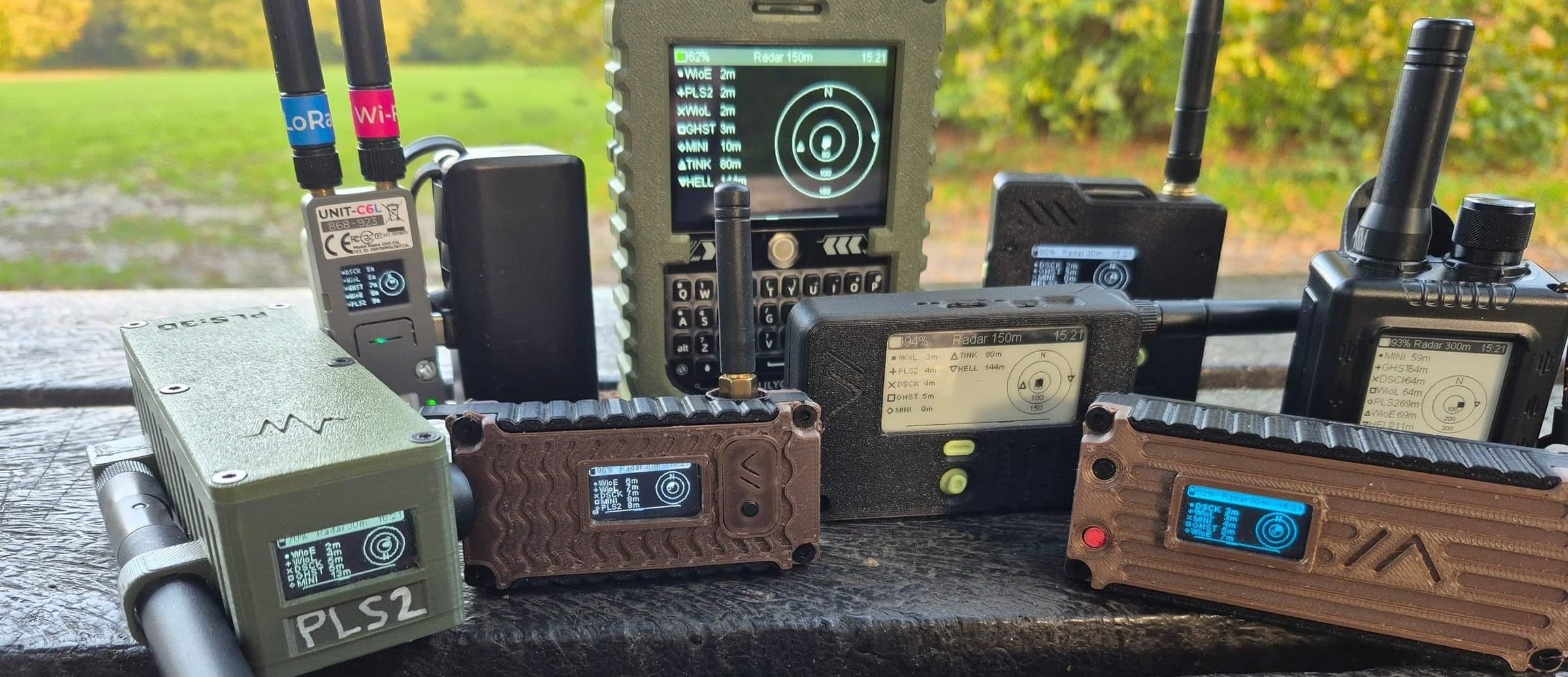
Get it on your device
- 1
Download
Find your device in the tested devices below and download its file.
- .uf2 for nRF52 boards
- .bin for ESP32 boards
- 2
Flash
Web flasher, any board
- Open the Meshtastic web flasher in Chrome or Edge
- Pick your device, click the upload icon, choose your file
Drag and drop, nRF52 only
- Press reset twice: a USB drive appears
- Copy the .uf2 onto it; the board restarts
- 3
Turn on the radar
- In the Meshtastic app, set your LoRa region (EU_868, US, …)
- On the device: node list, long-press, Tracking View, Radar
- Long-press the radar for north-up or heading-up, favourites and zoom
- Compass boards: run Calibrate Compass once
Check your settings
The radar only shows teammates whose nodes can hear yours. Check these on every device in the group.
- Same channel and radio mode - Use the same channel name, key and LoRa radio mode (such as LongFast) on every node. Nodes on a different radio mode cannot hear each other.
- Precision Location on - In the channel's position settings, turn on Precise Location. With a rounded-sm position, the radar can only show rough distances to teammates.
- An update rate that fits - Choose how often nodes share their position: more often keeps the radar fresh but costs airtime and battery. Work it out in the Configuration planner.
Radar settings survive a reboot. Going back to stock: flash any official release from the web flasher the same way.
Tested devices
I tested the radar on these devices myself. Want a build for another board? Email me at info@pls3d.store. This is v2.8.2-rbaken.2, built on Meshtastic develop 4c89b69 (2026-11-01). Release notes
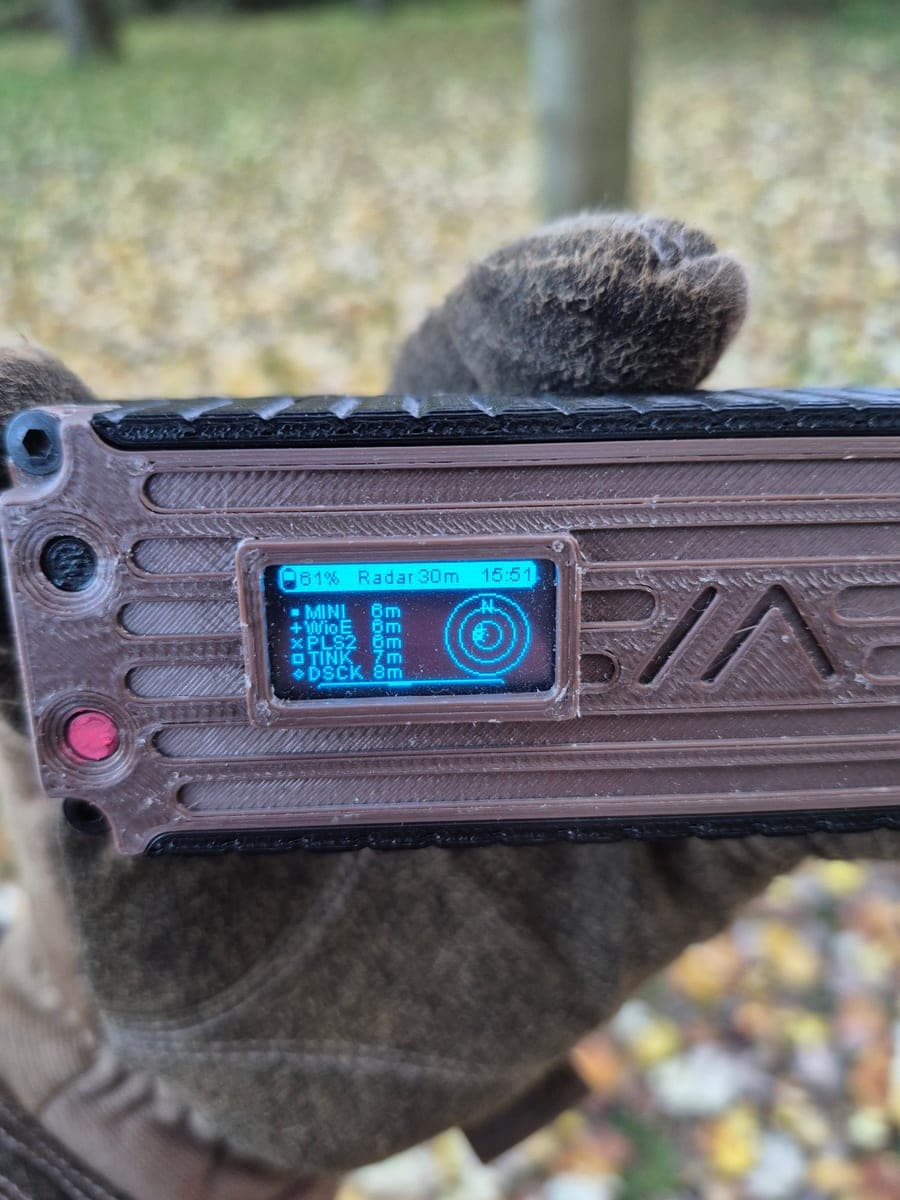
Heltec LoRa32 V3
ESP32-S3
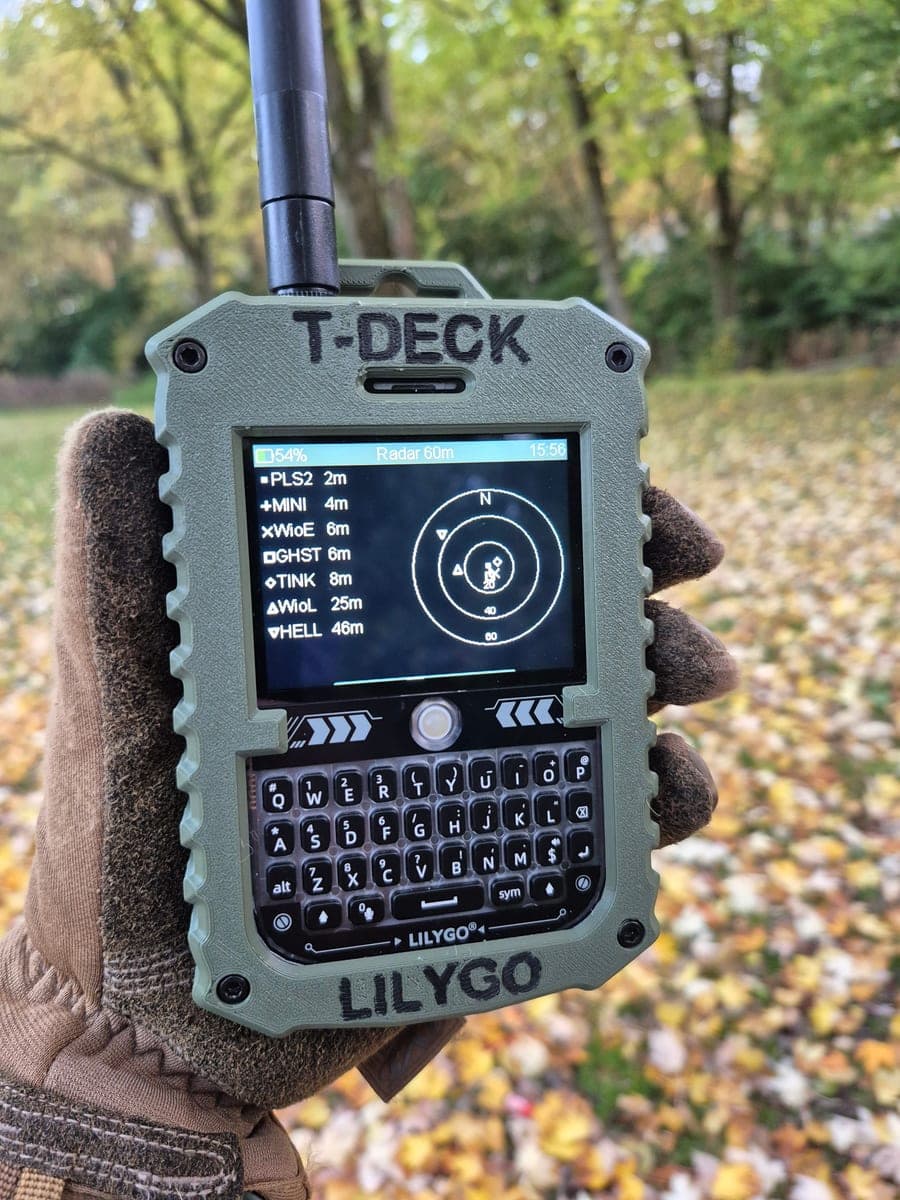
LilyGo T-Deck Plus
ESP32-S3
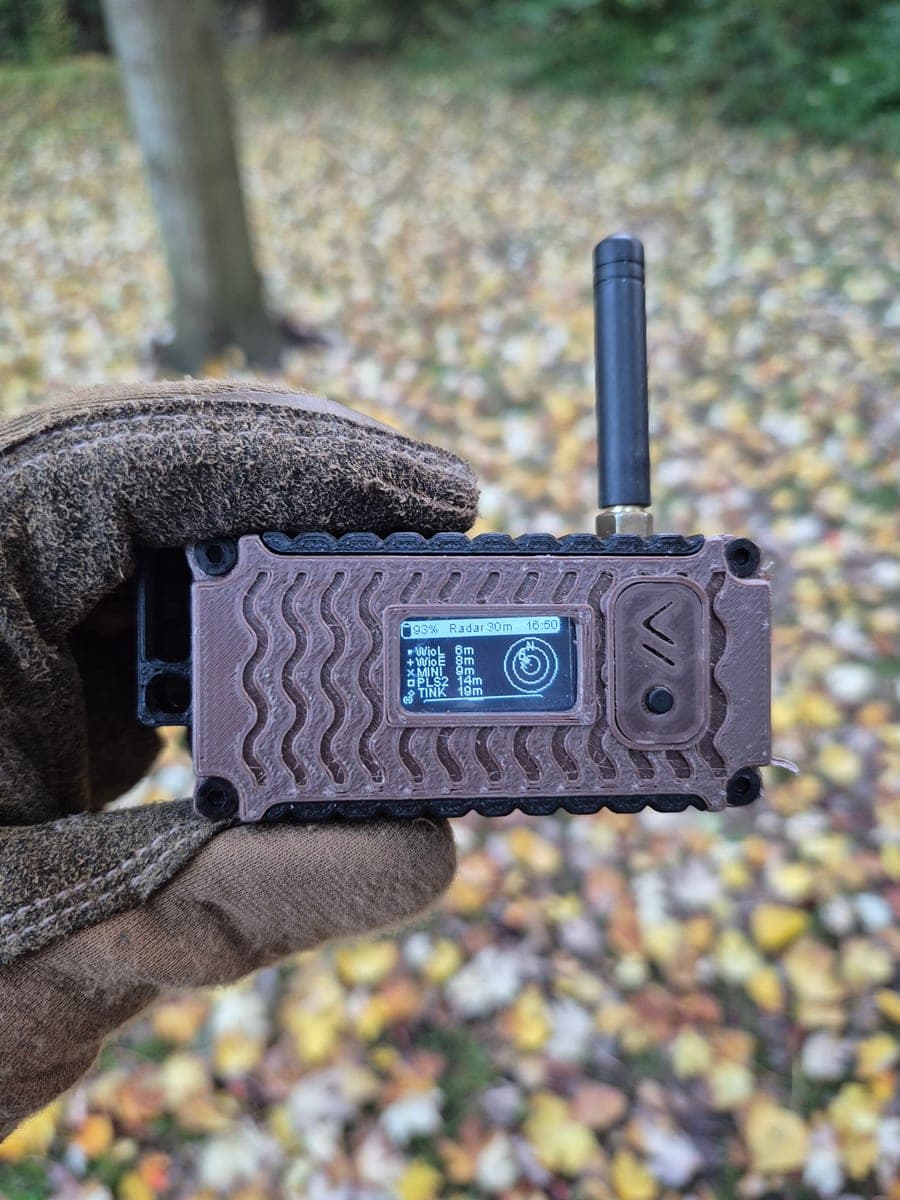
LilyGo LoRa32 V2.1
ESP32
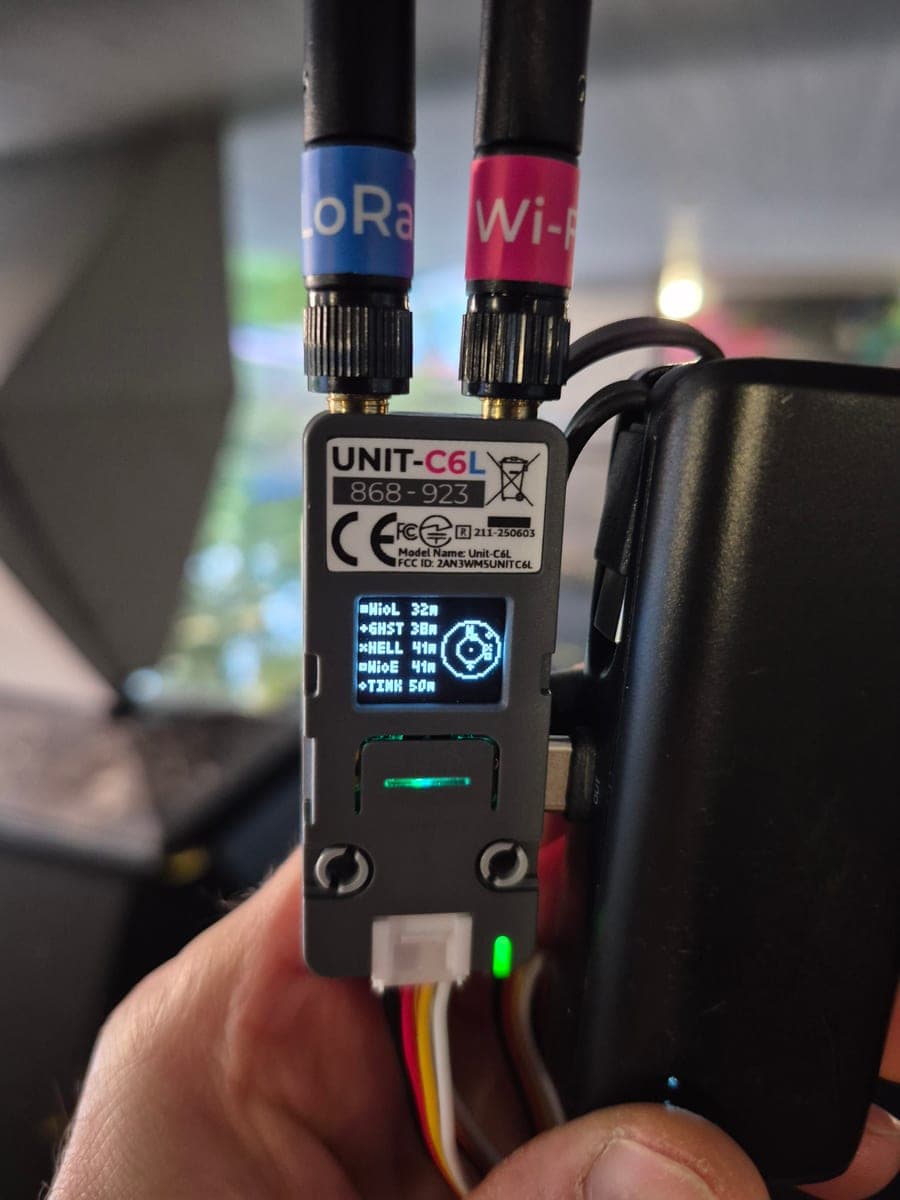
M5Stack Unit C6L
ESP32-C6
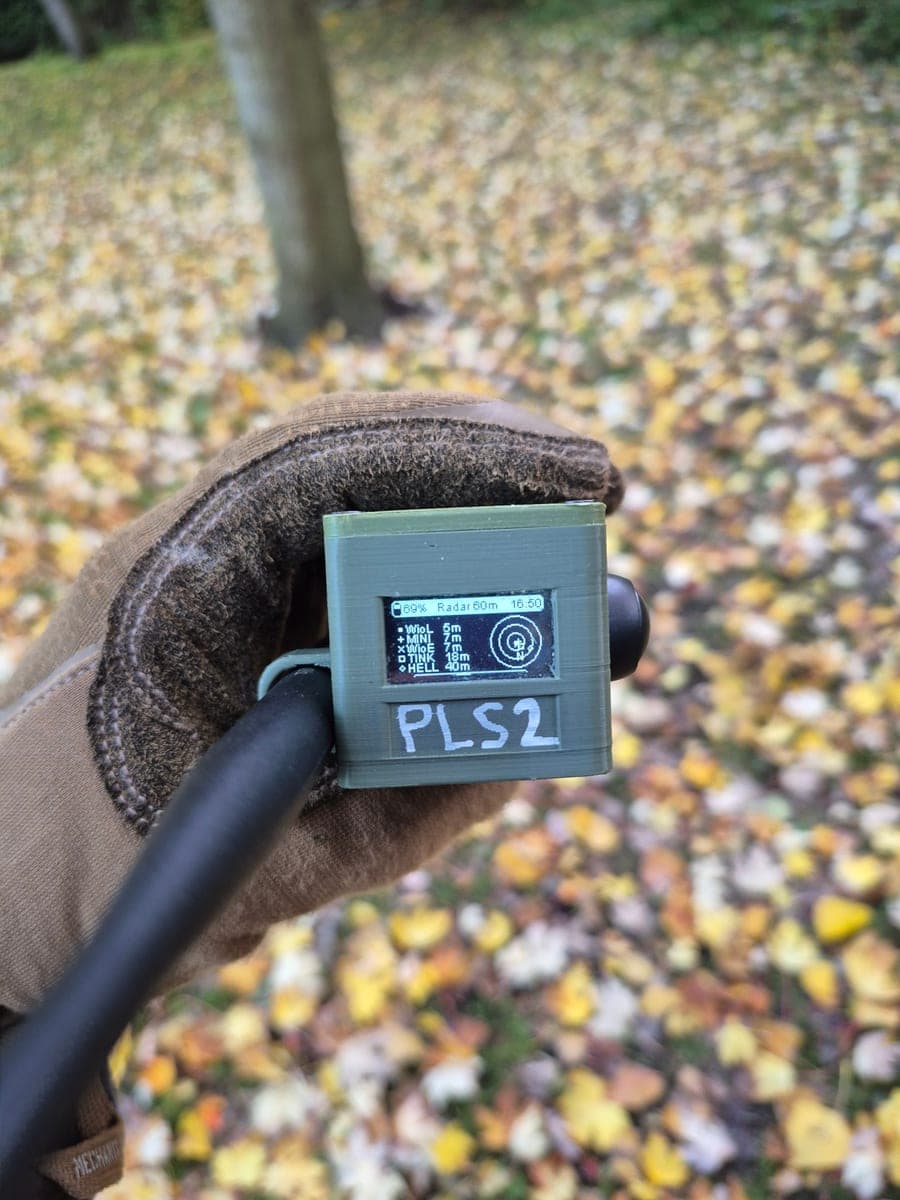
RBaken (RAK4631)
nRF52840
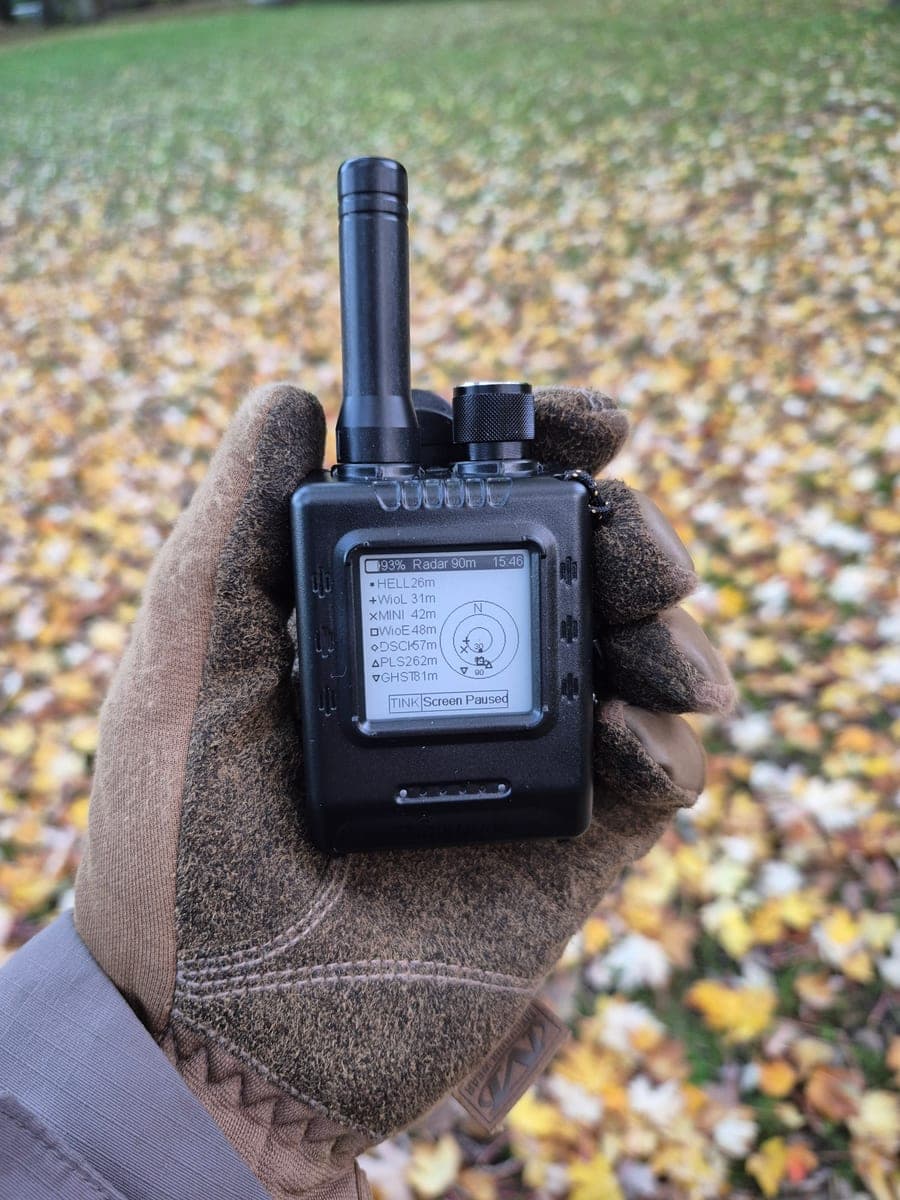
Elecrow ThinkNode M1
nRF52840
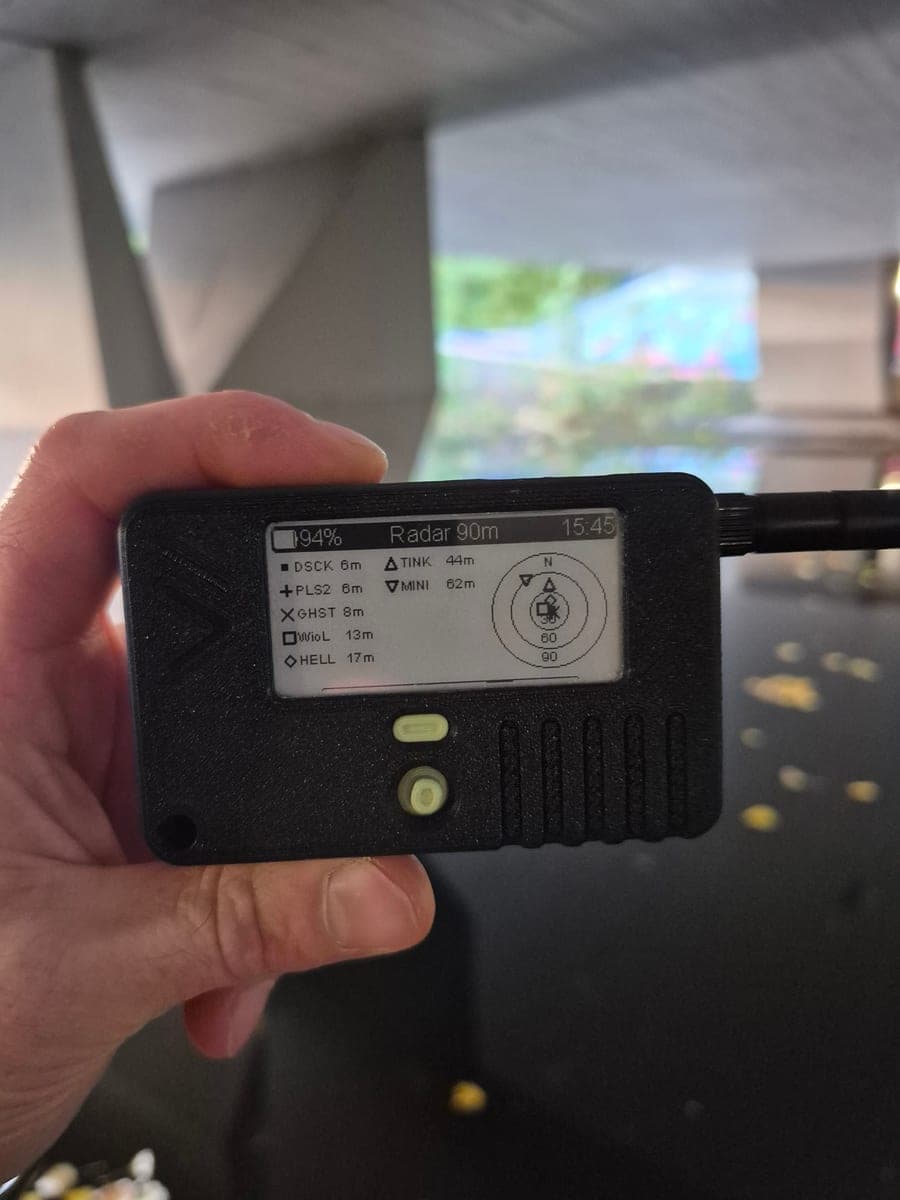
Seeed Wio Tracker L1 (e-ink)
nRF52840
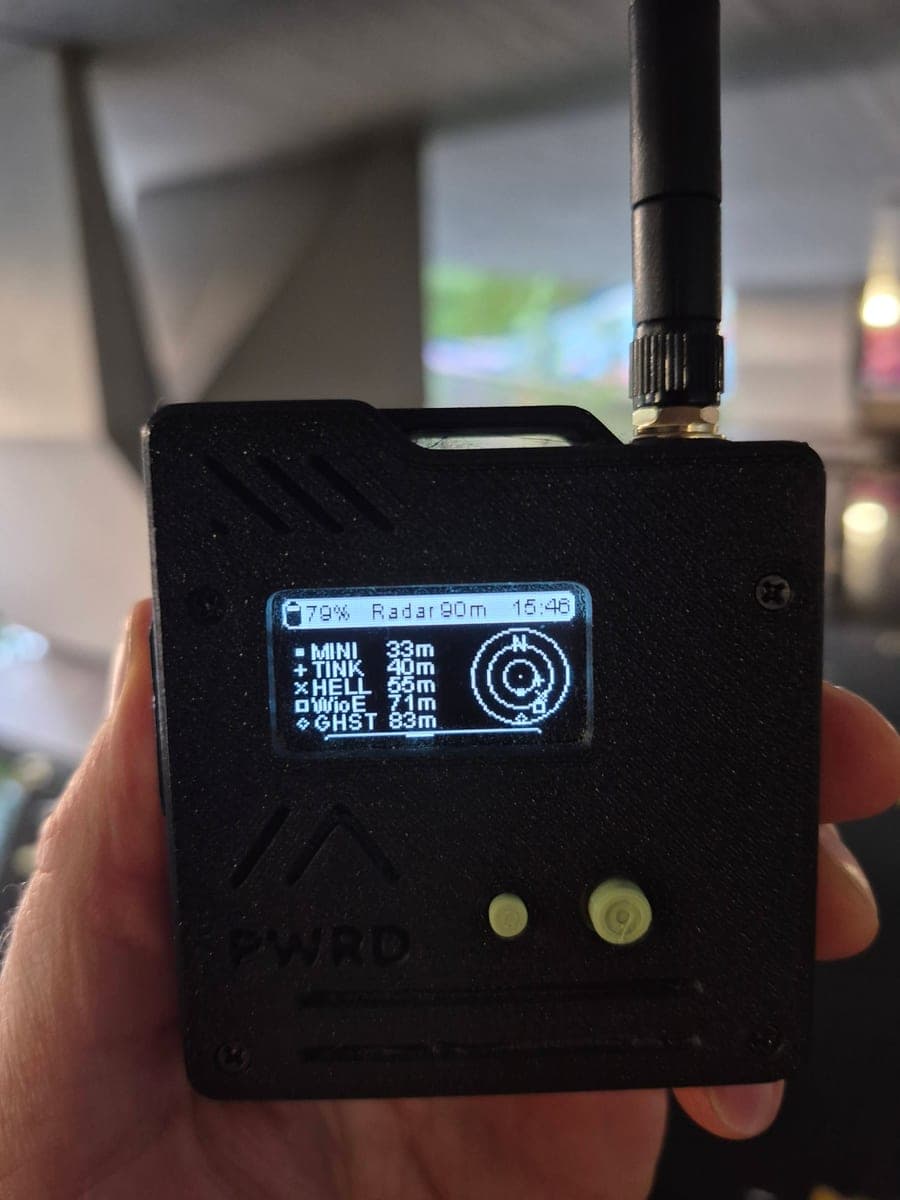
Seeed Wio Tracker L1 (OLED)
nRF52840
Other builds
The same radar build for more boards. I have not tested these on the hardware myself, so tell me how it goes.
- 10 downloads
B&Q Station G2
ESP32-S3
- 1 download
Heltec LoRa32 V4
ESP32-S3
- 1 download
Heltec Mesh Node T114
nRF52840
- 1 download
Heltec MeshPocket (5000 mAh)
nRF52840
- 1 download
Heltec Vision Master E290
ESP32-S3
- 1 download
Heltec Wireless Tracker V1.1
ESP32-S3
- 1 download
LilyGo T-Beam Supreme
ESP32-S3
- 1 download
LilyGo T-Beam V1.2
ESP32
- 1 download
LilyGo T-Deck Pro
ESP32-S3
- 1 download
LilyGo T-Echo
nRF52840
- 1 download
RAK WisBlock 4631
nRF52840
Feedback and ideas
Just describe your feedback, ideas or needs and I will contact you.
Pull requests
On their way into official Meshtastic. Test reports on the PRs help get them merged.
- In reviewfirmware #10224feat(radar): add radar minimap overlay to the Distance/Bearings frame
- In reviewprotobufs #935feat(config): add radar view fields to DisplayConfig
- In reviewfirmware #10556feat: add MPU-9250 / RAK1905 9-axis sensor support
Meshtastic® is a registered trademark of Meshtastic LLC. This build is not an official Meshtastic release. Want a device to run it on? The RBaken Build Pack has the print files and a full build guide.
Want the device itself? The RBaken page has the ways to get one.